Welcome to Caident Design
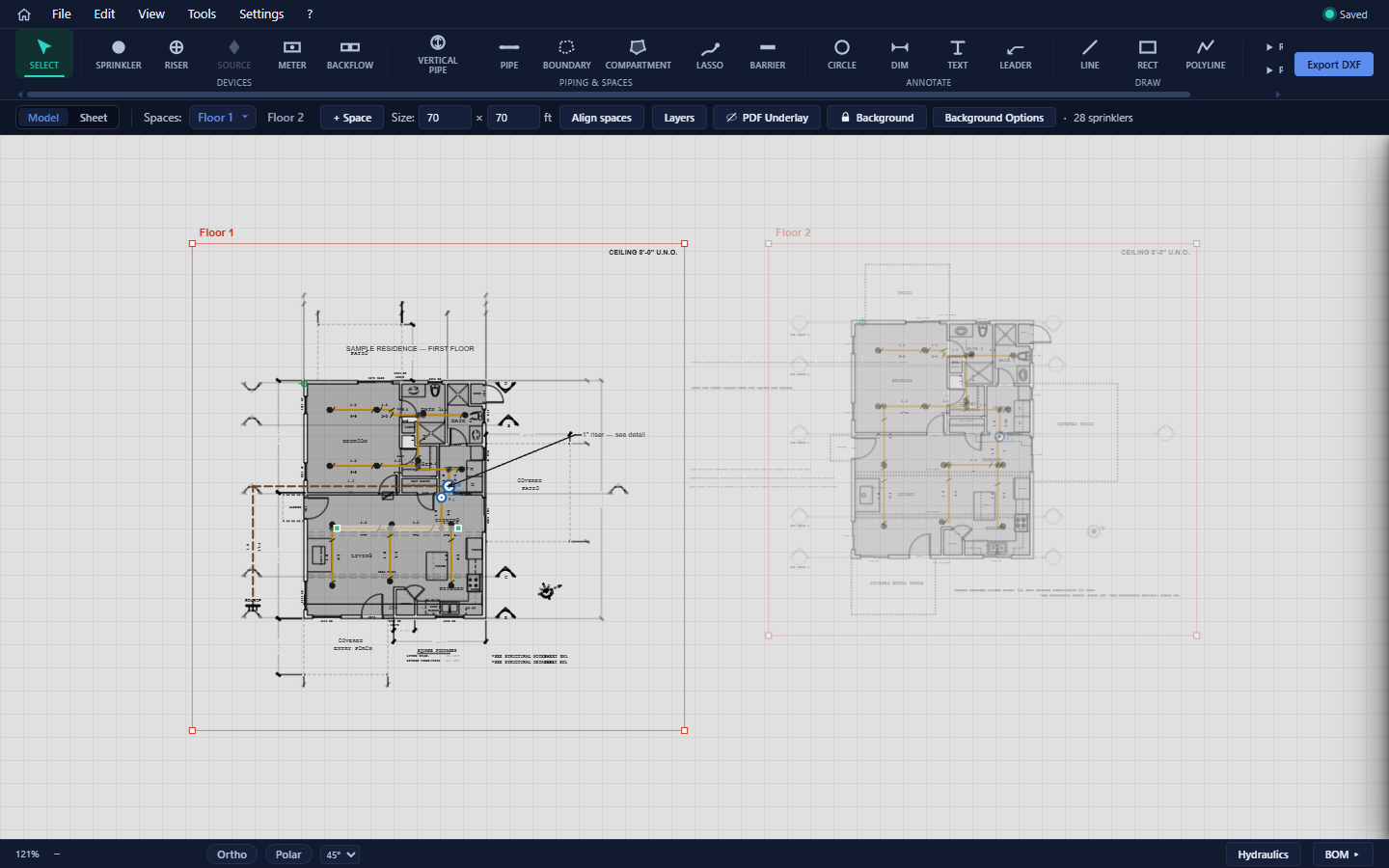
Caident Design is a desktop CAD application for residential fire-sprinkler design. It takes you from an architect's floor plan to a submittal-ready sprinkler design: import a PDF or DXF background, let the app detect the rooms, place sprinkler heads (by hand or automatically), route the piping, check the hydraulics against your water supply, and hand off plan sheets, a bill of materials, and DXF drawings.
Advisory
Automated layout and hydraulic calculations produced by this software must be reviewed and approved by a licensed fire protection engineer or licensed fire sprinkler contractor before use in construction documents or permit submissions. Caident accepts no liability for designs used without professional verification.
What Caident Design does
- Background import — bring in an architectural plan as a PDF (vector or scanned) or DXF. The app extracts walls and doors, works out the drawing scale, and detects rooms ("compartments") automatically.
- Sprinkler placement — place heads one by one with live tooltips, or auto-place a whole floor from the detected rooms with NFPA 13D coverage rules.
- Pipe routing — draw your main runs by hand and let auto-routing branch to every head with tidy, rectilinear pipe that respects walls and boundaries.
- Hydraulic validation — send the design to CaidentCalc's code-compliant calculation engine and get a PASS/FAIL verdict per design area, without leaving the app.
- Deliverables — plan sheets (including the EFS California CFC 13D template), a costed bill of materials, and DXF export for downstream CAD work.
- AHJ research — an AI research assistant that compiles adopted codes and water-purveyor requirements for a project address, with professional-engineer review workflow built in.
Who this manual is for
Sprinkler designers and contractors laying out NFPA 13D residential systems1. It assumes you know the domain — sprinkler types, K-factors, flow tests — but not this particular tool.
How this manual is organized
Chapters 2–4 get you signed in and oriented. Chapters 5–10 follow the recommended design workflow in order: import a background, detect rooms, place sprinklers, route pipe, annotate, and organize. Chapters 11–13 cover validation and deliverables (hydraulics, BOM, sheets and exports). Chapters 14–15 cover the AHJ research assistant and application settings. The appendices hold the complete keyboard-shortcut reference, a troubleshooting guide, and file-format notes.
Conventions used here
- Keyboard shortcuts appear as keys: press Ctrl+S to save.
- Menu paths are written with arrows: File → Save As…
- UI labels are shown bold, exactly as they appear on screen.
| Term | Meaning |
|---|---|
| Space | A named region of the canvas holding one floor's plan (also called a floor). Tabs above the canvas switch between spaces. |
| Background | The imported PDF/DXF drawing that sits under your design. |
| Compartment | A room — detected from the background or drawn by hand. Compartments drive auto-placement and ceiling heights. |
| Barrier | A wall line that pipe routing must not cross. |
| Boundary | An optional polygon around a space; routed pipe stays inside it. |
| Manual pipe | A pipe you draw yourself. Manual pipes seed the auto-router — they become the trunk it grows from. |
Footnotes
-
NFPA 13D: Standard for the Installation of Sprinkler Systems in One- and Two-Family Dwellings and Manufactured Homes. ↩