Sheets & Exports
Sheet view
Flip the context strip's Model | Sheet toggle to enter the sheet editor — the model stays put; you're composing paper.
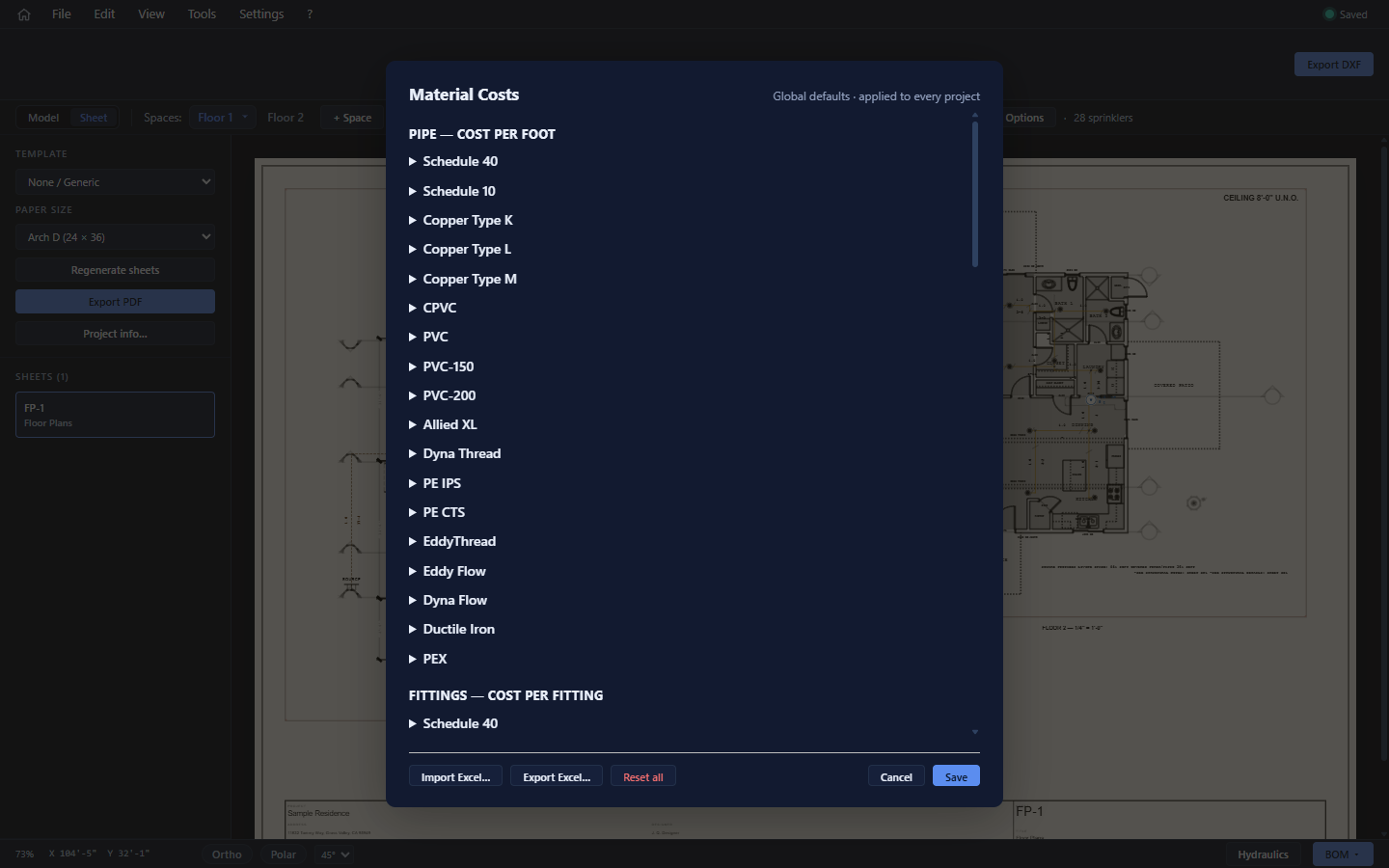
The sidebar drives everything:
| Control | Choices |
|---|---|
| Template | None / Generic (a plain plan sheet) or EFS California CFC 13D (the EFS residential submittal set). |
| Paper size | Letter 8.5×11 · Arch D 24×36 · Arch E1 30×42 · Arch E 36×48 (landscape). |
| Regenerate sheets | Rebuilds the sheet set from the model. |
| Export PDF | One PDF, one page per sheet, at true paper size. |
| Project info… | The title-block data (below). |
- The Sheets (N) list switches sheets. The EFS set generates FP-1 (notes/section), FP-2 (notes), FP-3 (site plan), and FP-4+ (one piping plan per space).
- Click a frame on the paper to select it: drag to reposition, and pick its Scale from the standard architectural scales (an "(auto)" entry appears when the fitted scale isn't standard).
- On EFS sheets, editable content slots (notes blocks) open a text editor on click.
- Wheel zooms the paper (cursor-anchored).
Sheets are not stored in the project file — they're regenerated from the model. Template, paper size, and frame positions are working-session state; expect to hit Regenerate sheets after significant model changes.
Project info
Project info… holds what the title block and notes print: project name, address, designer, company, date, general notes, and the default ceiling height (which also feeds the "CEILING 8'-0" U.N.O." note and every room without its own ceiling).
The three exports
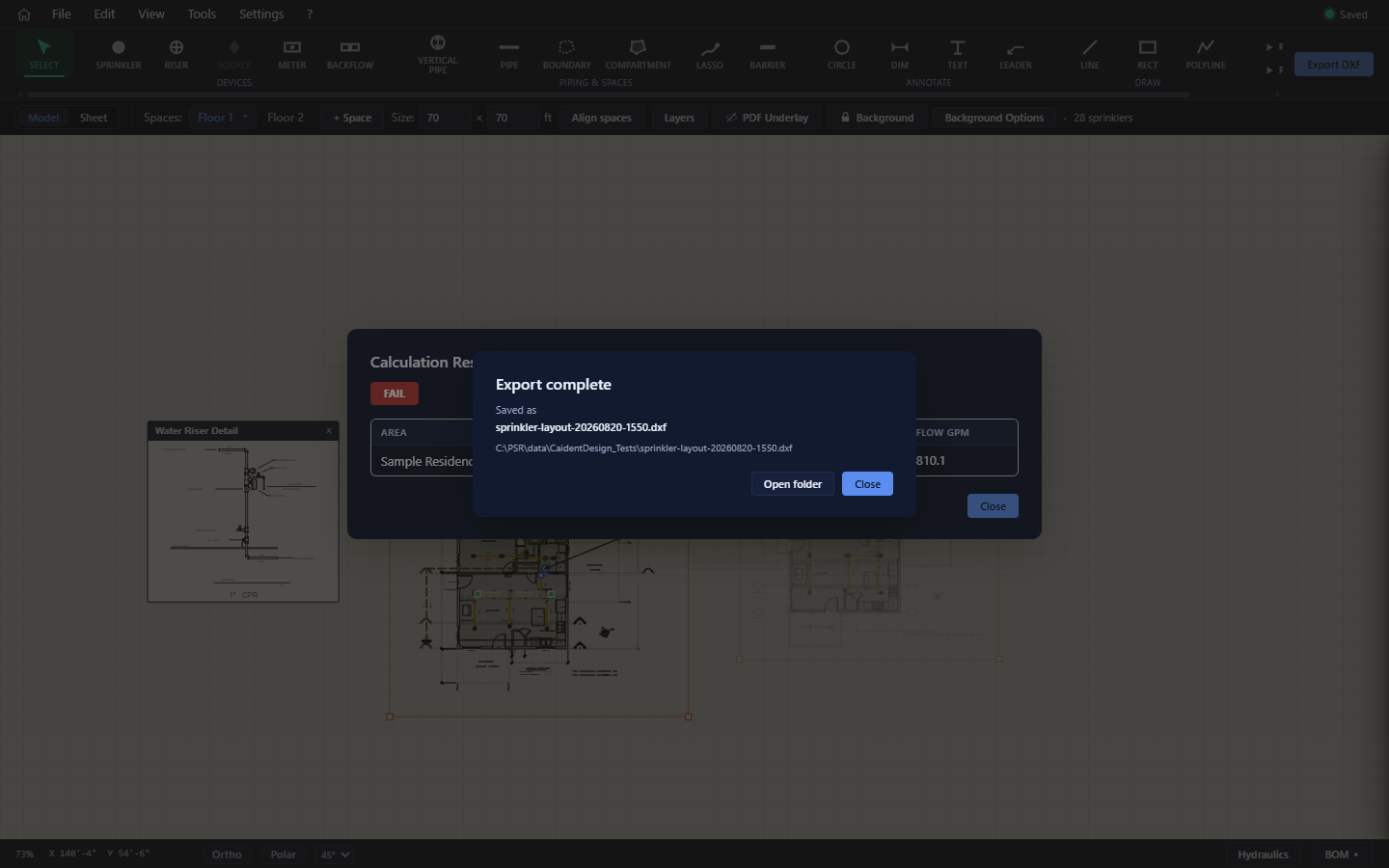
All exports share one flow: generate → native Save dialog → write → a status dialog with the saved filename, full path, and an Open folder button.
| Export | Where | Output |
|---|---|---|
| DXF | Ribbon Export DXF, or File → Export DXF… (Ctrl+E) | R12-compatible DXF, 1 unit = 1 ft, on named layers: sprinkler symbols, all pipe with diameter labels, hangers, barriers, boundary, annotations, drawings, riser details, space geometry. If any space has a raster (scanned-PDF) background, you get a ZIP — the DXF plus one PNG per background. |
| Sheets PDF | Sheet view → Export PDF | One page per sheet at exact paper size, both templates supported. Named <project>_sheets.pdf. |
| BOM PDF | BOM drawer → Save Bill of Materials | Dated letter-portrait takeoff, named <project>_bom.pdf. |
Saving projects (.cdsn)
- Ctrl+S saves; Save As… picks a new path; the title bar and the save-state chip track dirty state.
- A
.cdsnfile holds the entire model: spaces and their backgrounds, every entity, layers, groups, pipe metadata, water supply, project info, per-project price overrides, and the routed network. Old project files always stay loadable. - Appendix C covers the format in more detail.